What is a Web Browser? A Comprehensive Guide to Understanding the Backbone of Internet Navigation
In today's digital world, the web browser has become an indispensable tool for accessing the internet. Whether you're checking emails, streaming videos, shopping online, or browsing social media, a web browser plays a central role in connecting you to the vast network of information available online. But what exactly is a web browser? This article will provide you with a detailed understanding of this essential technology.
A web browser is a software application that allows users to access and navigate the internet. It acts as a bridge between users and the web, enabling them to retrieve, present, and interact with web content. As the internet continues to evolve, so too does the functionality and complexity of web browsers, making them indispensable in our daily lives.
In this article, we will explore the definition of a web browser, its history, types, features, and how it works. We will also discuss the importance of choosing the right browser for your needs and provide tips for optimizing your browsing experience. By the end of this guide, you will have a thorough understanding of what a web browser is and how it can enhance your online activities.
Table of Contents:
- The History of Web Browsers
- Types of Web Browsers
- How a Web Browser Works
- Key Features of Modern Web Browsers
- Web Browser Security and Privacy
- Browser Performance and Optimization
- Choosing the Right Web Browser
- Web Browsers on Mobile Devices
- The Future of Web Browsers
- Conclusion
The History of Web Browsers
The concept of the web browser dates back to the early days of the World Wide Web. In 1990, Tim Berners-Lee, the inventor of the World Wide Web, created the first web browser called "WorldWideWeb" (later renamed Nexus). This browser was primarily used by scientists and researchers to access information stored on servers.
By the mid-1990s, the internet began gaining popularity among the general public, leading to the development of more user-friendly browsers. One of the most notable browsers from this era was Mosaic, which introduced graphical user interfaces and made the web accessible to a broader audience.
Evolution of Web Browsers
- Netscape Navigator: Released in 1994, Netscape Navigator became the dominant browser of the time, setting the stage for future innovations in web browsing.
- Internet Explorer: Microsoft's Internet Explorer, launched in 1995, quickly gained market share and became the default browser for Windows users.
- Firefox: Mozilla Firefox emerged in 2002 as an open-source alternative, emphasizing speed, security, and customization.
- Google Chrome: Released in 2008, Chrome revolutionized the industry with its speed, simplicity, and developer-friendly features.
Types of Web Browsers
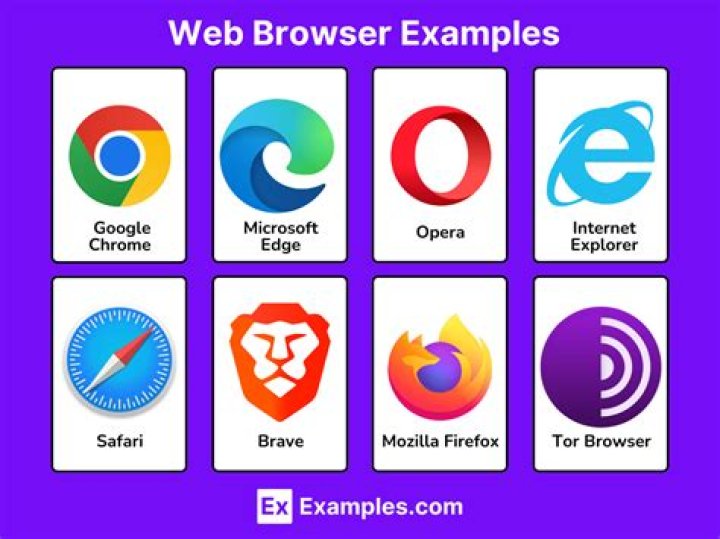
There are several types of web browsers available today, each with its own unique features and advantages. The most popular browsers include:
- Google Chrome: Known for its speed, security, and extensive extension library.
- Mozilla Firefox: Offers strong privacy features and is favored by developers.
- Safari: Apple's default browser, optimized for macOS and iOS devices.
- Microsoft Edge: A modern browser that combines the best features of Chrome and Internet Explorer.
- Opera: Known for its built-in ad blocker and battery saver features.
How a Web Browser Works
When you enter a URL into a web browser, a series of processes occur to retrieve and display the requested web page. Here's a simplified overview of how a web browser works:
Step-by-Step Process
- DNS Lookup: The browser converts the domain name into an IP address using a DNS server.
- Establishing a Connection: The browser establishes a connection with the web server hosting the requested website.
- Retrieving Content: The browser sends an HTTP request to the server, which responds by sending the requested content.
- Rendering the Page: The browser interprets the HTML, CSS, and JavaScript code to render the web page for the user.
Key Features of Modern Web Browsers
Modern web browsers come equipped with a variety of features designed to enhance the user experience. Some of the most notable features include:
- Tabbed Browsing: Allows users to open multiple web pages in a single browser window.
- Extensions and Add-ons: Enable users to customize their browsing experience with additional functionality.
- Incognito Mode: Provides a private browsing session where cookies and browsing history are not saved.
- Bookmarks: Allows users to save their favorite websites for easy access.
Web Browser Security and Privacy
Security and privacy are critical considerations when using a web browser. Users must be aware of potential threats such as malware, phishing attacks, and data breaches. To protect yourself, it's essential to:
- Keep your browser up to date with the latest security patches.
- Use strong, unique passwords for online accounts.
- Enable two-factor authentication whenever possible.
- Avoid clicking on suspicious links or downloading unknown files.
Browser Performance and Optimization
Optimizing your web browser can significantly improve its performance and speed. Here are some tips for enhancing your browser's performance:
Performance Optimization Tips
- Clear your browser cache and cookies regularly.
- Disable unnecessary extensions and add-ons.
- Limit the number of tabs open at one time.
- Use a lightweight browser if you have limited system resources.
Choosing the Right Web Browser
Selecting the right web browser depends on your specific needs and preferences. Consider the following factors when making your decision:
- Speed and performance
- Security and privacy features
- Compatibility with your operating system
- Availability of extensions and customization options
Web Browsers on Mobile Devices
With the increasing use of smartphones and tablets, mobile web browsers have become essential for accessing the internet on the go. Some of the most popular mobile browsers include:
- Safari for iOS: Offers a seamless experience for Apple users.
- Google Chrome for Android: Provides fast and reliable browsing on Android devices.
- Firefox for Mobile: Offers strong privacy features and synchronization with desktop browsers.
The Future of Web Browsers
As technology continues to evolve, so too will the capabilities of web browsers. Future developments may include:
- Improved artificial intelligence integration for enhanced user experiences.
- Enhanced security features to protect against emerging threats.
- Greater compatibility with virtual and augmented reality technologies.
Conclusion
In conclusion, a web browser is a crucial tool for navigating the internet, providing users with access to a vast array of information and services. Understanding how web browsers work, their features, and how to optimize them can greatly enhance your online experience. Whether you're using a desktop or mobile device, choosing the right browser for your needs is essential for a secure and efficient browsing experience.
We encourage you to share your thoughts and experiences with web browsers in the comments section below. Additionally, feel free to explore other articles on our site for more insightful content. Together, let's continue to learn and grow in the ever-evolving world of technology!
For more information on web browsers, you can refer to the following trusted sources: